8 Best AI Presentation Makers in 2026, Matched to the Job
The best AI presentation maker is the one that fits what you start with. A blank prompt, a 30‑page PDF, a brand template, and a sales call each need a different tool.
Most "best of" lists rank tools as if everyone has the same job. You don't. A consultant turning a report into a client deck has nothing in common with a teacher who needs ten slides on photosynthesis by tomorrow.
This guide sorts the 8 best AI presentation makers in 2026 by the job they do best. For each one you get:
- What it's best for, in one line
- How it works, from input to finished deck
- Pros and cons, without the marketing gloss
- Pricing at the time of writing (check each site, prices change often)
Quick Comparison: AI Presentation Makers at a Glance
💡 Key point: If your deck must end up in PowerPoint, check the export before you fall in love with a tool. Some web‑first makers export layouts that break once you edit them.
1. GenPPT: Best for Turning Documents and Prompts Into Editable PowerPoint
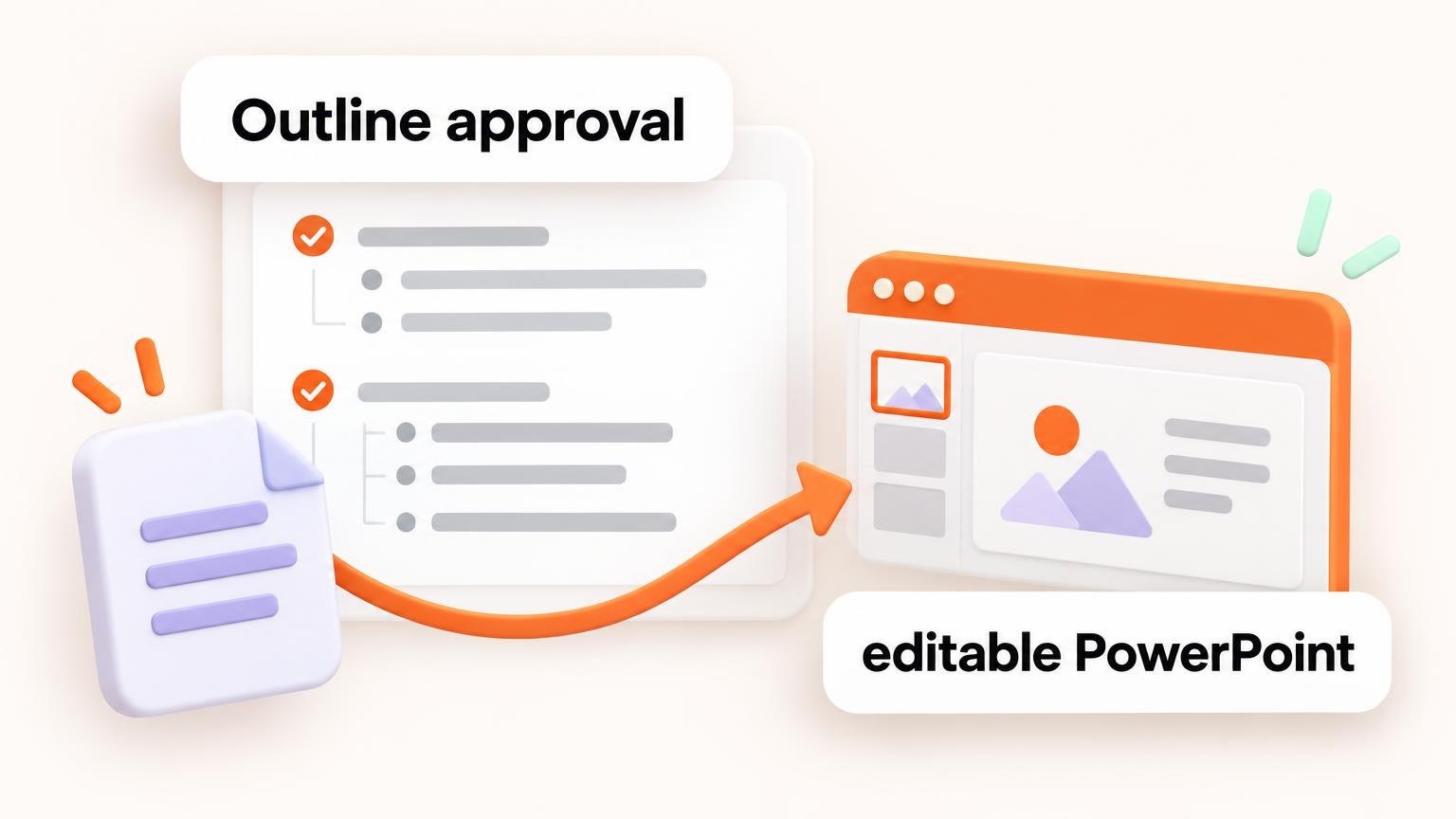
Best for: consultants, founders, marketers, and educators who start from notes, an outline, or a PDF and need a real .pptx at the end.
GenPPT works in two steps. First, it turns your prompt, notes, outline, or PDF into a slide‑by‑slide outline that you approve. You can reorder, cut, or rewrite slides before anything is designed. Then it builds every slide and exports the deck to PowerPoint, PDF, or PNG.
That outline step is the main reason to pick it. Most AI makers generate 15 slides at once, and you spend the next hour fixing the ones that went off‑track. Here you fix the story first, when it's cheap to change.
It also keeps your wording and figures when it converts a document. That matters when the source is a report with numbers a client will check.
Pros:
- Outline approval before any slide is generated
- Accepts prompts, rough notes, outlines, and PDFs
- Native .pptx export you can keep editing in PowerPoint
- Chat‑based edits for single slides
Cons:
- No free plan: you start with a $1 trial for 3 days
- Built for generating decks, not for browsing a big template library
Pricing: $25/month or $99/year after the $1, 3‑day trial.
🚀 Quick tip: Paste your messiest notes as they are. The outline step is where you clean them up, so you don't need to edit before you start.
2. Gamma: Best for Fast, Good‑Looking Web Decks
Best for: anyone who wants a polished deck from a one‑line topic, and is happy to present from the browser.
Gamma asks for a topic and a slide count, shows you an outline of cards, then generates the deck in a theme. Advanced settings let you set the audience, tone, text density, and image source. The visual result is consistent from slide to slide, which is Gamma's biggest strength.
Gamma also makes documents and simple web pages with the same flow, so it doubles as a light publishing tool.
Pros:
- Very consistent visuals across the whole deck
- Rich settings for tone, audience, and image style
- Embeds apps and web pages in slides
Cons:
- Free plan credits are limited and don't refill monthly
- Layouts are card‑based, so heavy PowerPoint editing after export takes work
Pricing: Free plan; paid plans from about $9 per seat per month, billed yearly.
3. Canva: Best for Design‑Heavy Decks and Brand Kits
Best for: teams that already design social posts and PDFs in Canva and want slides in the same place.
Canva's AI builds a presentation from a prompt and drops it straight into the Canva editor. From there you get the full design toolkit: brand fonts and colors, image generation, and drag‑and‑drop layout. You can also ask it for design tips on the slide you're working on.
Pros:
- Huge template and asset library
- Strong brand kit and team features
- Easy to learn
Cons:
- Popular templates can make decks look familiar
- AI drafts often need more content editing than design editing
Pricing: Free plan; Pro from about $12/month, billed yearly.
4. Beautiful.ai: Best for Data Slides You Update Often
Best for: monthly reports, board updates, and any deck you reuse with new numbers.
Beautiful.ai drafts a deck from your prompt, then leans on smart slides: charts, diagrams, and pictographs that keep their layout when you change the data. You pick a layout and a variation, and the tool handles spacing and alignment.
Pros:
- Smart slides stay tidy as numbers change
- Simple, focused editing tools
- Assign slides to teammates and leave comments
Cons:
- AI output leans on text and charts, less on visuals
- No free plan
Pricing: From about $12/month, billed yearly.
5. Pitch: Best for Sales and Team Decks
Best for: sales teams who need a personal deck for each prospect.
Pitch generates decks with a sales structure: the prospect's pain, the market problem, and your solution. It then connects to data apps so stats on your slides stay current. It's strong for teams that share templates and want every rep to send on‑brand decks.
Pros:
- Sales‑ready structure out of the box
- Live data integrations
- Good shared templates for teams
Cons:
- Very sales‑focused; less suited to lessons or reports
Pricing: Free plan; paid plans from about $10/month for individuals.
6. Microsoft Copilot in PowerPoint: Best If You Live in Microsoft 365
Best for: companies that already pay for Copilot and want AI without a new tool.
Copilot works inside PowerPoint. It can draft a deck from a prompt or a Word file, summarize a long deck, and add slides in your company template. Because the output is native PowerPoint, nothing breaks on export.
Pros:
- No new app to approve or learn
- Uses your existing company templates
- Native PowerPoint from the start
Cons:
- Requires a Copilot license on top of Microsoft 365
- Design quality is plainer than dedicated AI makers
Pricing: Included with some Microsoft 365 plans, or as a paid Copilot add‑on.
7. Prezi: Best for Non‑Linear, Zooming Talks
Best for: speakers who want to move around a big canvas instead of flipping slides.
Prezi's AI turns a prompt or document into a zooming presentation. It's a different format: you navigate between topics on one canvas, which works well for keynotes and classes where you jump back to earlier points.
Pros:
- Memorable, dynamic format
- Good for talks that don't follow a straight line
Cons:
- The zooming style isn't right for most business decks
- Limited value if you need PowerPoint files
Pricing: Free plan; paid plans from about $7/month.
8. SlidesAI: Best for AI Inside Google Slides
Best for: students, teachers, and teams that live in Google Workspace.
SlidesAI works as an add‑on. You paste text or a topic, and it builds slides directly in Google Slides, with step‑by‑step settings for length and style.
Pros:
- Works where you already are
- Simple settings, quick results
Cons:
- Designs are basic compared with standalone makers
Pricing: Free plan; paid plans from about $10/month.
How to Choose the Right AI Presentation Maker
Start with what you have, not with the tool. Use this shortcut:
- You have a document, report, or PDF → GenPPT or Copilot, because they keep your content and give you real PowerPoint.
- You have only a topic → Gamma or Canva for the fastest good‑looking draft.
- Your deck is mostly numbers → Beautiful.ai.
- You're selling → Pitch.
- You present from Google Slides → SlidesAI.
- You want a talk people remember → Prezi.
Then check three things before you pay:
- Export. Open the exported file in PowerPoint and edit one slide. If it breaks, that's your next six months.
- Control. Can you fix the structure before the design? Fixing 15 finished slides costs more than fixing one outline.
- Trial terms. Some tools have free plans with tight AI limits, others start with a paid trial. Know which before you start a real deck.
📌 Key takeaway: Speed is easy to find. Control over the story and a clean export are what separate a demo from a deck you'll actually present.
Frequently Asked Questions
What is the best free AI presentation maker? Gamma, Canva, Pitch, Prezi, and SlidesAI all have free plans. They limit AI credits or features, so test one real deck before you rely on a free plan.
Can AI make a PowerPoint from a PDF? Yes. GenPPT and Copilot in PowerPoint both turn documents into decks. GenPPT shows you an outline to approve first and exports native .pptx.
Will my audience know the deck was made with AI? Only if you skip the editing. Use AI for structure and the first draft, then add your own examples, data, and voice.
Final Thoughts
There's no single best AI presentation maker, only the best one for your starting point. Match the tool to your input and your output, and you'll save hours on every deck.
Pick the row from the shortcut list above that sounds like your week, try that tool on a real presentation, and check the export before you commit.
Tags
Related News
Oct 14, 2026
How AI‑Generated 3D Models Are Transforming Ecommerce Product Experiences
AI‑generated 3D models are changing ecommerce product experiences by replacing flat, two‑dimensional images with interactive digital versions that shoppers can spin, inspect, customize, and place in their homes. Production can drop from days of manual 3D work to minutes of automated generation. This removes much of the old cost barrier to 3D commerce. The result is a shopping journey with less doubt, longer page visits, more completed purchases, and fewer returns because buyers have a clearer view of what they are ordering.
Oct 14, 2026
AI Answers Are Swallowing the Click, and the Tools Built to Track Them Are Changing Shape
For most of the last two years, the pitch for “AI visibility” software was simple: find out whether ChatGPT mentions you. Plug in a domain, get a chart. That part is more or less solved. The harder question, the one marketing teams keep raising in Slack threads and quarterly reviews, is what you’re supposed to do once the chart comes back red. A newer kind of vendor is trying to answer it.
Oct 14, 2026
How Developers Can Reduce the Cost of Running AI Applications
Discover practical strategies developers use to lower AI app running costs. Explore model routing, caching tricks, fine‑tuning, and smarter prompt design today.